★ 4.7·1K+ ratings · iOS & Android
AI mod preview
AI Car Modification Preview
See every mod on your actual car before spending money
or open the editor without a photo →
12+ mod categories - AI-powered - Any car brand
The brief
AI mod preview
Car modifications cost thousands and most are permanent once installed. Car Editor lets you preview every type of mod on your actual car photo using AI - paint jobs, rim swaps, body kits, wraps, tint, spoilers, headlights, neon underglow, exhaust tips, and more. The AI preserves your car's reflections, body lines, and lighting so you see a realistic result, not a generic mockup.
Stack multiple mods to plan a full build. Preview paint first, then swap rims, add a body kit, and test different spoilers - all on the same photo. Take the previews to your shop and show them exactly what you want.
The whole point
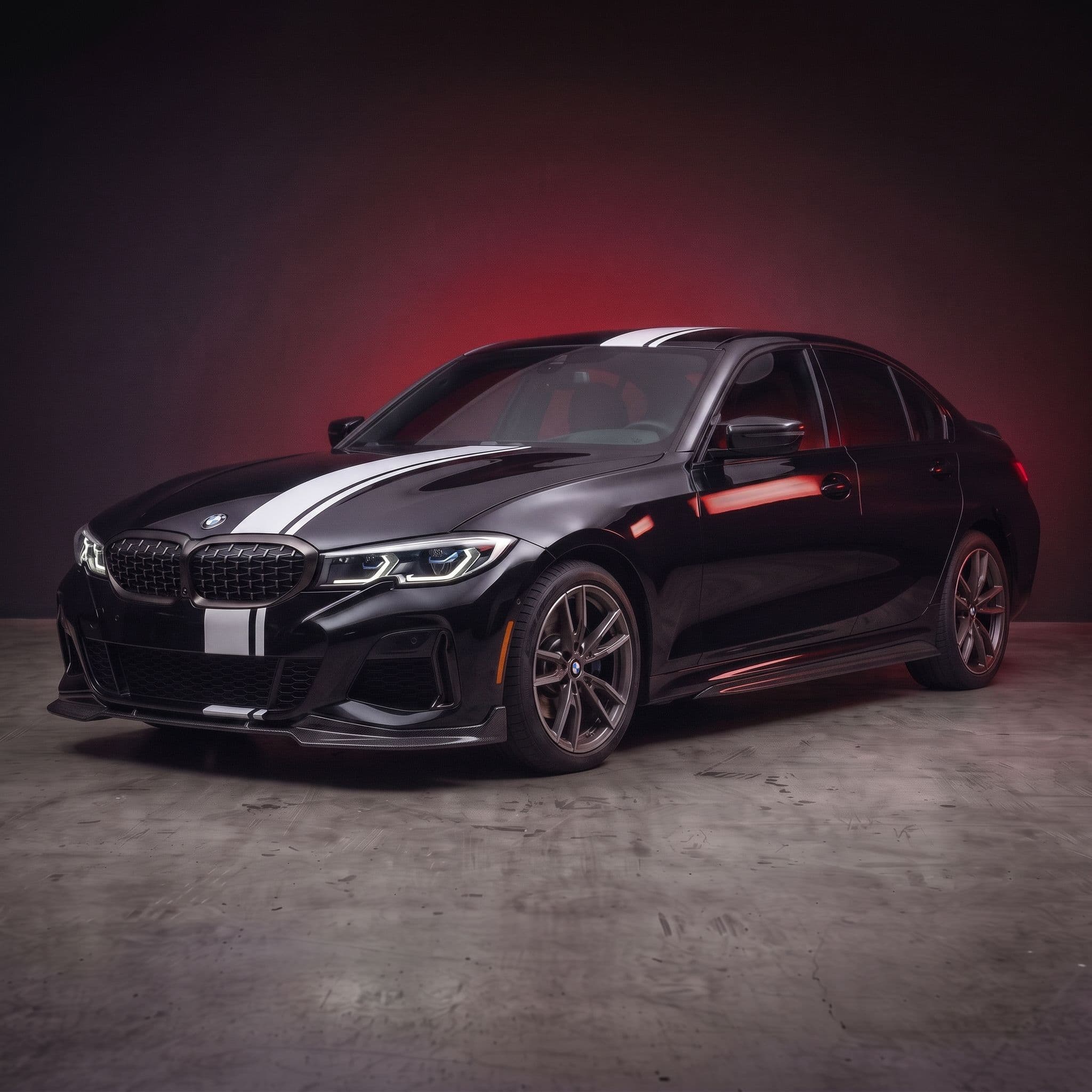
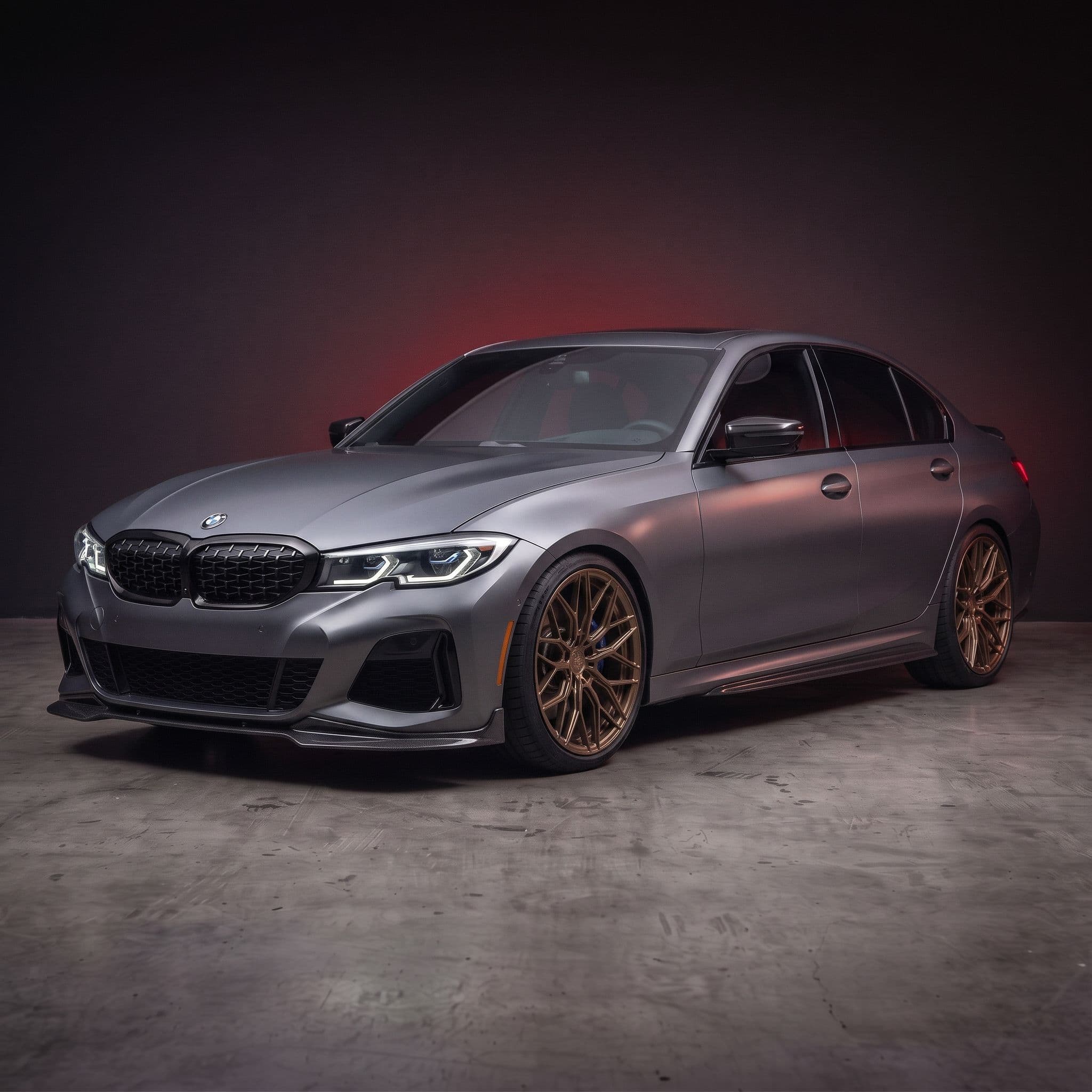
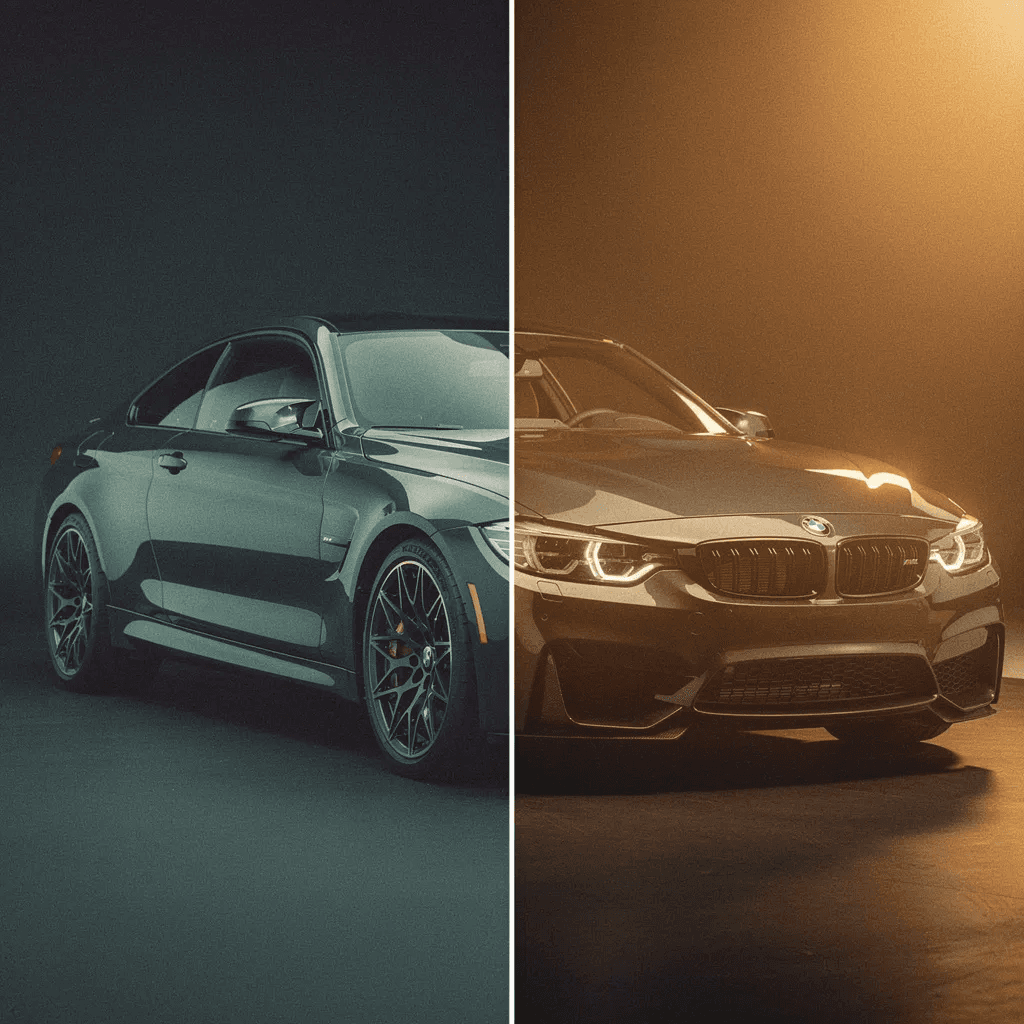
Drag to Compare: Stock vs Full AI Build
Paint + rims + body kit applied step by step with AI
Drag to compare. Real AI output, no retouching.
From the community
What car owners say about AI mod preview
“Really great and very realistic… I tried it on my car and was able to install some completely improbable body kits, but surprisingly, they look fantastic on it! 👏”
“Premium app for a reason. For a small fee, you can do pretty much anything. … Car Editor is by far the best premium app on the market.”
“It was fun modifying my car, a fun and cool experience.”
The catalog
AI Modification Tools
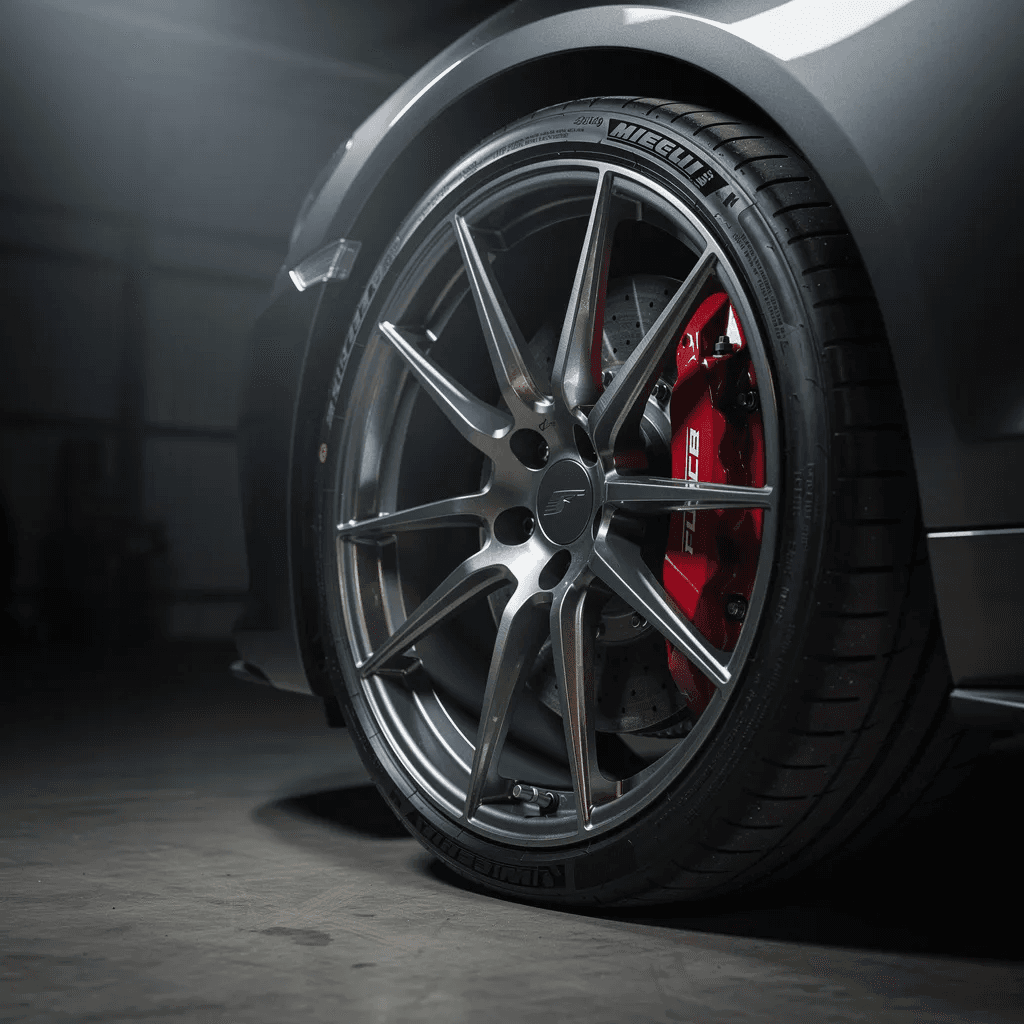
Each tool uses AI to generate photorealistic previews on your actual car photo. Tap any category to explore styles and see examples.


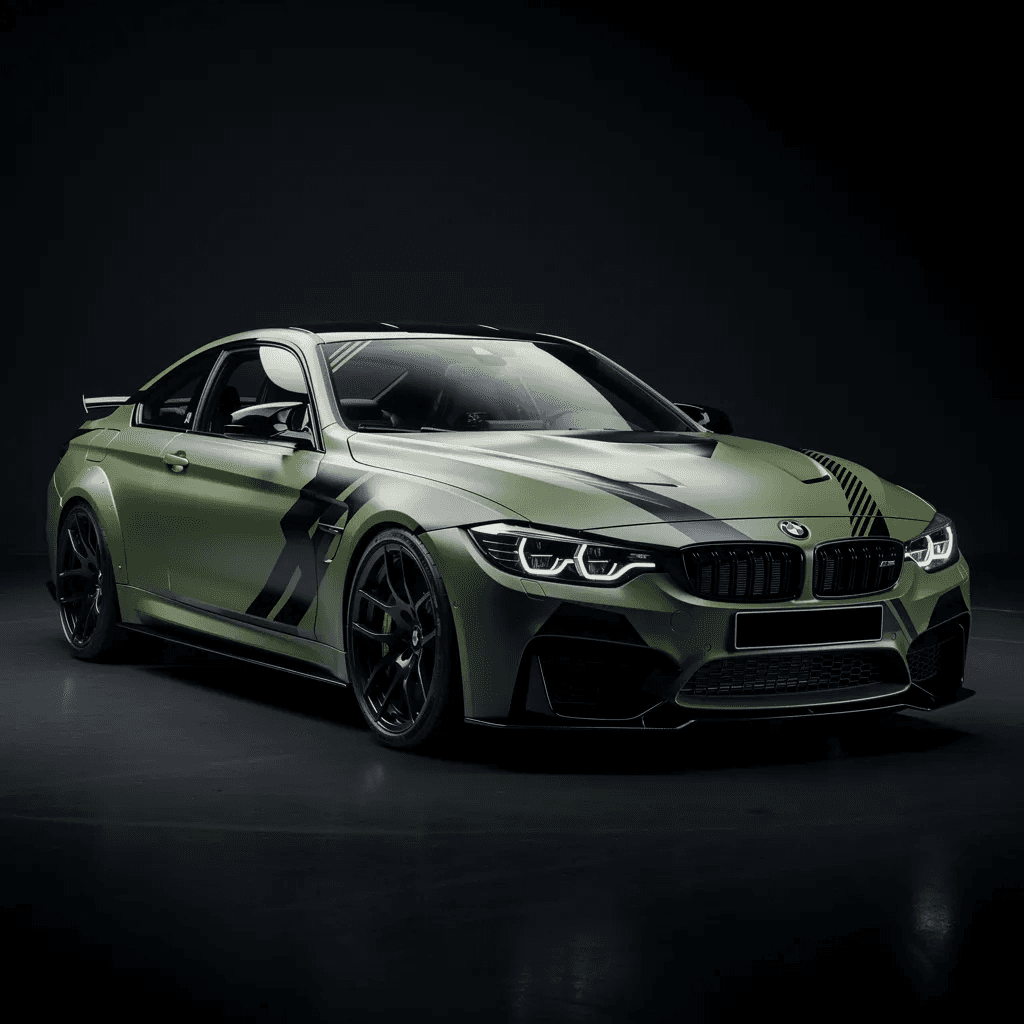
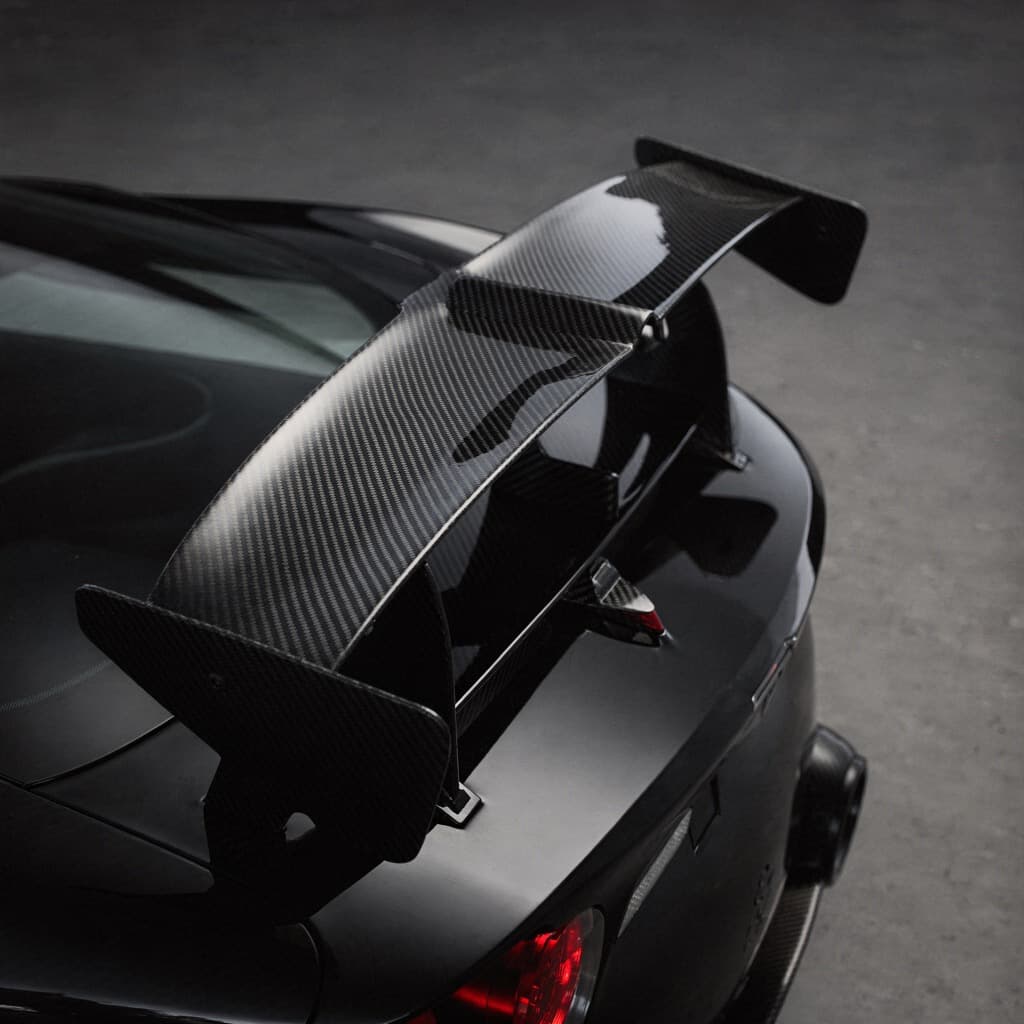
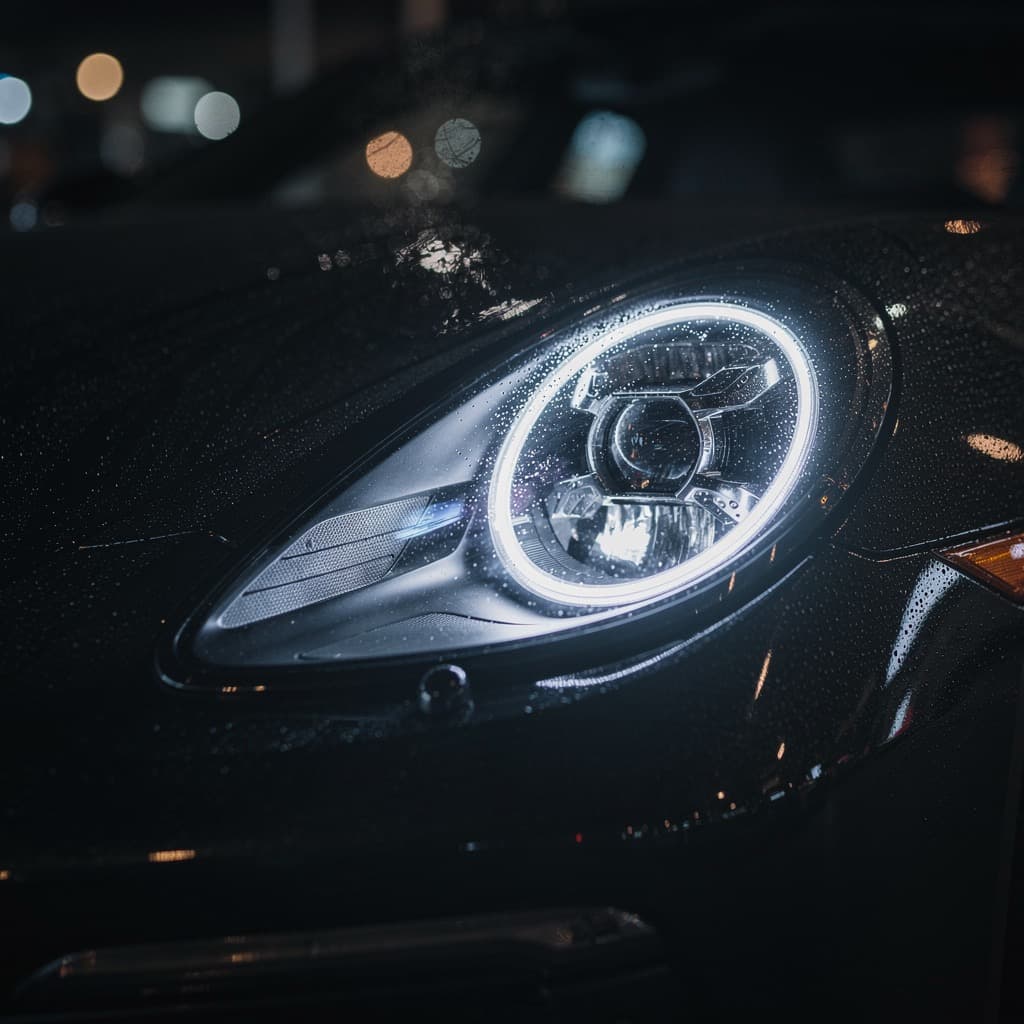
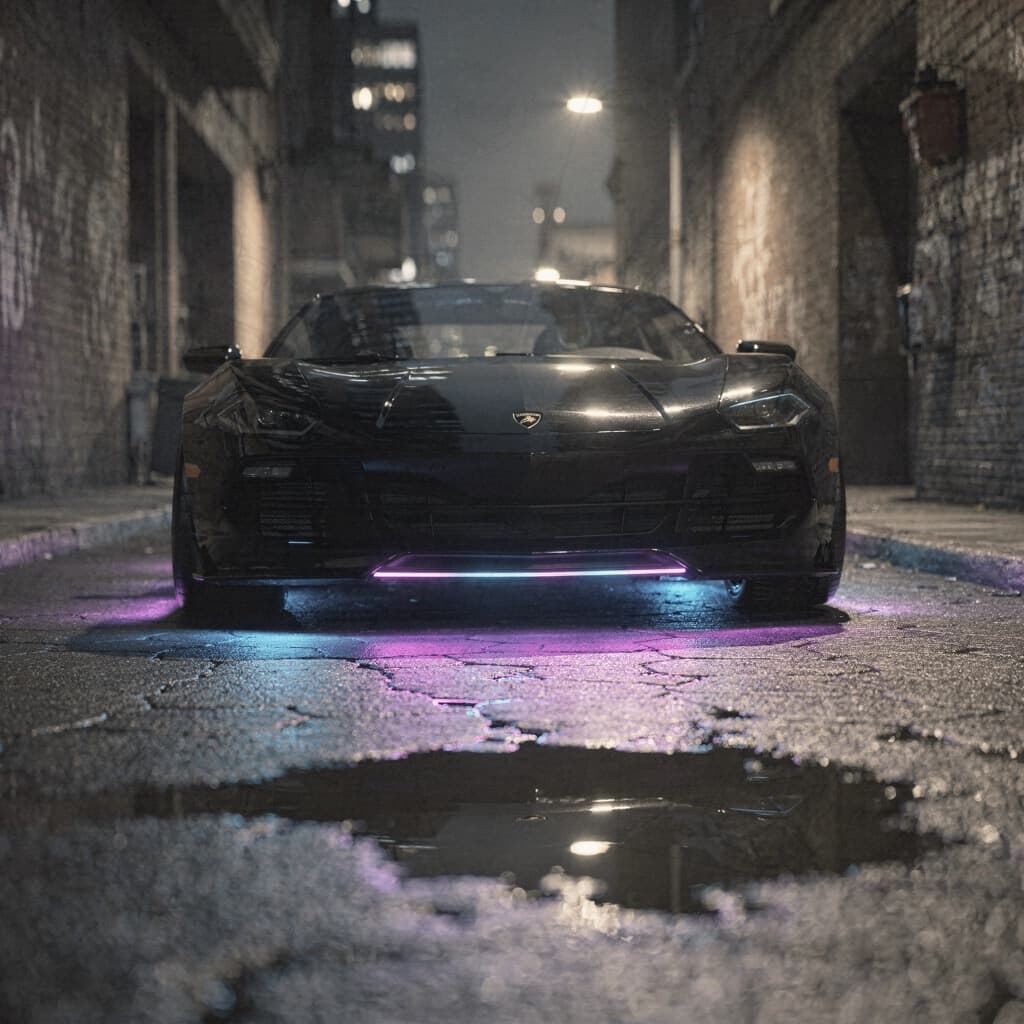
Stop guessing. See it on your car.
Preview every mod on your exact vehicle before you spend a dollar.
How it works
Three steps to a preview.
Upload your car
Take or upload a photo of your car from any angle. Side and three-quarter views work best for realistic results.
Choose a mod
Pick from the catalog. Every option is tuned for photorealistic results on real cars.
Get AI results
Download your photorealistic preview. Compare options side by side before spending real money.
Pricing
Simple plans, no surprises.
Free to open and browse. Pick a plan when you're ready to generate on your own car. Cancel anytime.
Just trying it out
Billed weekly, cancel anytime
30 renders a week
Personal use
- Every edit costs 30 credits, no tiers
- All 198 mods across 12 categories
- 10 full-scene AI styles
- Photoreal HD output
- Every render saved to your account
- Personal use
Cancel anytime · 14-day money-back guarantee if you haven't used your renders
One build, start to finish
Billed monthly, cancel anytime
90 renders a month
Commercial rights included
- Every edit costs 30 credits, no tiers
- All 198 mods across 12 categories
- 10 full-scene AI styles
- Photoreal HD output
- Every render saved to your account
- Commercial usage rights
- Post it, sell it, list it
Cancel anytime · 14-day money-back guarantee if you haven't used your renders
Every car you touch, all year
$79.99 billed yearly$311.88Save 74%
360 renders a year
Commercial rights included
- Every edit costs 30 credits, no tiers
- All 198 mods across 12 categories
- 10 full-scene AI styles
- Photoreal HD output
- Every render saved to your account
- Commercial usage rights
- Post it, sell it, list it
Cancel anytime · 14-day money-back guarantee if you haven't used your renders
Good to know
What Is AI Car Modification Preview?
AI car modification preview is a tool that renders aftermarket parts and cosmetic changes onto a photo of your actual car using artificial intelligence. Instead of imagining how a modification would look or relying on someone else's build photos, you upload your own car and see the exact result in seconds. The AI understands car geometry, surface materials, lighting conditions, and reflections to produce photorealistic output.
Car Editor supports 12+ modification categories. You can preview a single change like a paint color, or stack multiple mods to plan a full build - paint, rims, body kit, spoiler, tint, and more on the same photo. Each modification is processed separately, giving you full control over the build order and final look.
Good to know
How Much Do Car Modifications Cost Without Previewing?
Car modifications range from a few hundred dollars for window tint to $15,000+ for a full widebody kit installation. A professional paint job costs $3,000 to $10,000. Aftermarket wheels run $1,500 to $5,000 for a set. Custom wraps cost $2,000 to $6,000. Many of these modifications are difficult or impossible to reverse once installed. Choosing the wrong color, wheel style, or body kit means living with the mistake or paying again to fix it.
Car Editor's AI preview eliminates that risk. Preview any modification on your actual car before committing money. See how a Porsche Miami Blue paint looks on your BMW 3 Series. Check if concave rims fit the proportions of your Mustang GT. Test whether a Rocket Bunny widebody works on your Nissan 350Z or if a subtler street kit is a better match. Make every decision with confidence instead of guesswork.
Good to know
Who Uses AI Car Modification Preview?
Enthusiasts planning builds use it to test ideas before spending money. Body shops and fabricators show clients realistic previews during consultations. Wheel dealers send AI mockups to close sales and reduce returns. Wrap installers preview designs on the client's actual car before ordering material. Content creators generate dramatic transformation content for social media. Dealerships upsell aftermarket packages by showing buyers exactly how accessories look on their new car.
Good to know
Why Preview Instead of Just Buying?
Because mistakes are expensive. A $4,000 set of wheels that looks wrong on your car cannot be returned once mounted with tires. A $3,000 paint job in the wrong shade is a $3,000 lesson. A widebody kit requires cutting factory panels - there is no undo button. Car Editor costs a fraction of any single mod and lets you test dozens of combinations before committing. Think of it as insurance against bad decisions.
Try it on your own car.
Upload your photo and see it transformed in about a minute. No installs, right in the browser.
Good to know
Frequently Asked Questions
What car modifications can I preview with AI?
Car Editor offers AI preview for 12+ mod categories: paint jobs (any color), rim swaps (15+ styles), widebody kits (10 styles), custom wraps (16 patterns), window tint (11 levels), spoilers (8 types), headlights (8 styles), neon underglow (10 colors), carbon fiber accents, front bumpers, exhaust tips, and suspension changes.
How does AI car modification preview work?
Upload a photo of your car, select a modification category, choose a specific style, and the AI generates a photorealistic preview in seconds. The AI understands car geometry, lighting, reflections, and shadows to produce results that look like real modifications.
How much does it cost?
Car Editor requires a subscription. Weekly and yearly plans are available, with exact pricing shown in the app before you subscribe. One subscription unlocks every mod category, from paint jobs and tints to rim swaps, body kits, and spoilers.
Can I stack multiple modifications?
Yes. You can apply multiple mods to the same photo. For example, change the paint, swap the rims, add a body kit, and apply a spoiler - building your full vision step by step.
Does it work with any car?
Yes. The AI works with any car regardless of make, model, or year. BMW, Mercedes, Porsche, Tesla, Ford, Toyota, Honda, Nissan, Dodge, Lamborghini - any car you can photograph.
How accurate are the AI previews?
The AI preserves your car's original reflections, shadows, body lines, and environment. Results are realistic enough that body shops, wheel dealers, and wrap installers use them as reference photos for their clients.
Is there a mobile app?
Yes. Car Editor is available as a native app for iOS (iPhone and iPad) and Android. The web editor at car-editor.com/editor/ also runs in any modern browser on desktop and mobile.
How is this different from Photoshop?
Unlike manual Photoshop work that takes hours and requires design skills, Car Editor generates photorealistic modifications in seconds. The AI understands 3D car surfaces and produces physically accurate results automatically.
Keep exploring