How to Make Cinematic Car Reels That Go Viral
Learn how to create stunning cinematic car reels from start to finish using Car Editor. This complete guide covers planning, shooting, dynamic transitions, music synchronization, and exporting for every social platform. Whether you are shooting your first reel or leveling up your content game, our mobile-first tools and professional video editing features make the process fast and intuitive.
What it does
Essential Tools for Cinematic Car Reels
Car Editor provides everything you need to create professional cinematic car reels. These specialized tools are designed for automotive content, so every filter, transition, and effect is optimized for making cars look incredible on screen.
Cinematic Filters & Color Grading
Dynamic Transitions Library
Beat-Matched Music Sync
Step-by-Step: How to Make a Cinematic Car Reel
Follow these seven steps to go from raw footage to a polished cinematic car reel ready for Instagram, TikTok, or YouTube.
Plan Your Shots and Story
Before you film, decide on the story your reel will tell. Are you doing a dramatic car reveal, a build progress update, or a rolling-shot montage? Plan at least five to eight different angles including wide establishing shots, close-up details of badges and wheels, low-angle shots for an aggressive stance, and a dynamic moving shot. Scout your location for clean backgrounds and consider golden-hour lighting for warm, cinematic tones.
Capture High-Quality Footage
Record in 4K at 60fps whenever possible so you have room to crop and create slow-motion sequences in post. Use smooth camera movements: slow orbits around the car, steady tracking shots, and gimbal-stabilized walk-arounds. Capture more footage than you think you need because having extra clips gives you flexibility during editing.
Enhance Car Photos with AI Before You Edit
Before jumping into the video timeline, use Car Editor's AI paint job previewer or AI rim swap tool to create modified versions of your car photos. These AI-generated images make incredible opening frames, thumbnail images, or before-and-after comparison shots that hook viewers in the first second.
Import and Arrange on the Timeline
Open Car Editor and import your clips. Start with an attention-grabbing opening shot, such as a close-up of the headlights turning on or a wide shot with the car emerging from shadow. Arrange your clips to build tension: start slow, build through detail shots, and finish with a high-energy driving sequence or dramatic reveal.
Apply Cinematic Effects and Dynamic Transitions
Apply Car Editor's cinematic color grading to give your footage that film-like look. Add dynamic transitions between clips: use whip pans for energy, light leaks for warmth, and smooth zooms for dramatic reveals. Use speed ramping to create slow-motion moments on detail shots and speed up during driving sequences. Layer in subtle lens flare and depth-of-field effects for a true cinematic feel.
Sync Your Cuts with Music
Choose a track from Car Editor's royalty-free music library or import your own. Use the beat-matching tool to align cuts with the bass drop, snare hits, or build-ups. Perfectly synced cuts are the single biggest difference between amateur and professional-looking car reels. Let the rhythm of the music guide when each transition fires.
Export and Share to Every Platform
Export your finished reel using Car Editor's platform-specific presets. Choose 9:16 for Instagram Reels and TikTok, 16:9 for YouTube, or export multiple versions in one batch. Car Editor handles resolution, bitrate, and aspect ratio automatically so your cinematic car reel looks perfect everywhere it is posted.
Pro Tips for Cinematic Results
- Shoot during golden hour or at night with ambient lighting for the most dramatic cinematic tones
- Alternate between wide and tight shots to create visual rhythm and keep viewers watching
- Use photo editing to enhance still frames used as title cards in your reel
- Keep reels between 15 and 60 seconds for maximum algorithm boost on Instagram and TikTok
Cinematic Techniques to Master
Color Grading
Automotive color presets that enhance paint depth and ambient lighting
Speed Ramping
Slow-motion for detail shots, fast-forward for driving sequences
Lens Effects
Cinematic lens flares, bokeh, and depth-of-field simulation
Audio Layering
Blend engine audio with music for an immersive cinematic experience
Who it's for
Perfect Scenarios for Cinematic Car Reels
Car Editor handles every type of cinematic automotive content.
Car Reveals
Dramatic unveilings with slow-mo and zoom effects
Build Progress
Multi-clip transformation stories from stock to modded
Track Day Highlights
High-speed driving footage with speed ramp effects
Car Meet Recaps
Event highlight reels with crowd and car montages
Why bother
Why Car Editor Is the Go-To Cinematic Reel Maker
From download to finished reel, everything is designed for mobile-first creators who want professional cinematic results.
100% Mobile Workflow
Ready-Made Cinematic Templates
Platform-Optimized Export
AI-Enhanced Car Photos for Reels
Store reviews
Creators Love Making Cinematic Car Reels with Car Editor
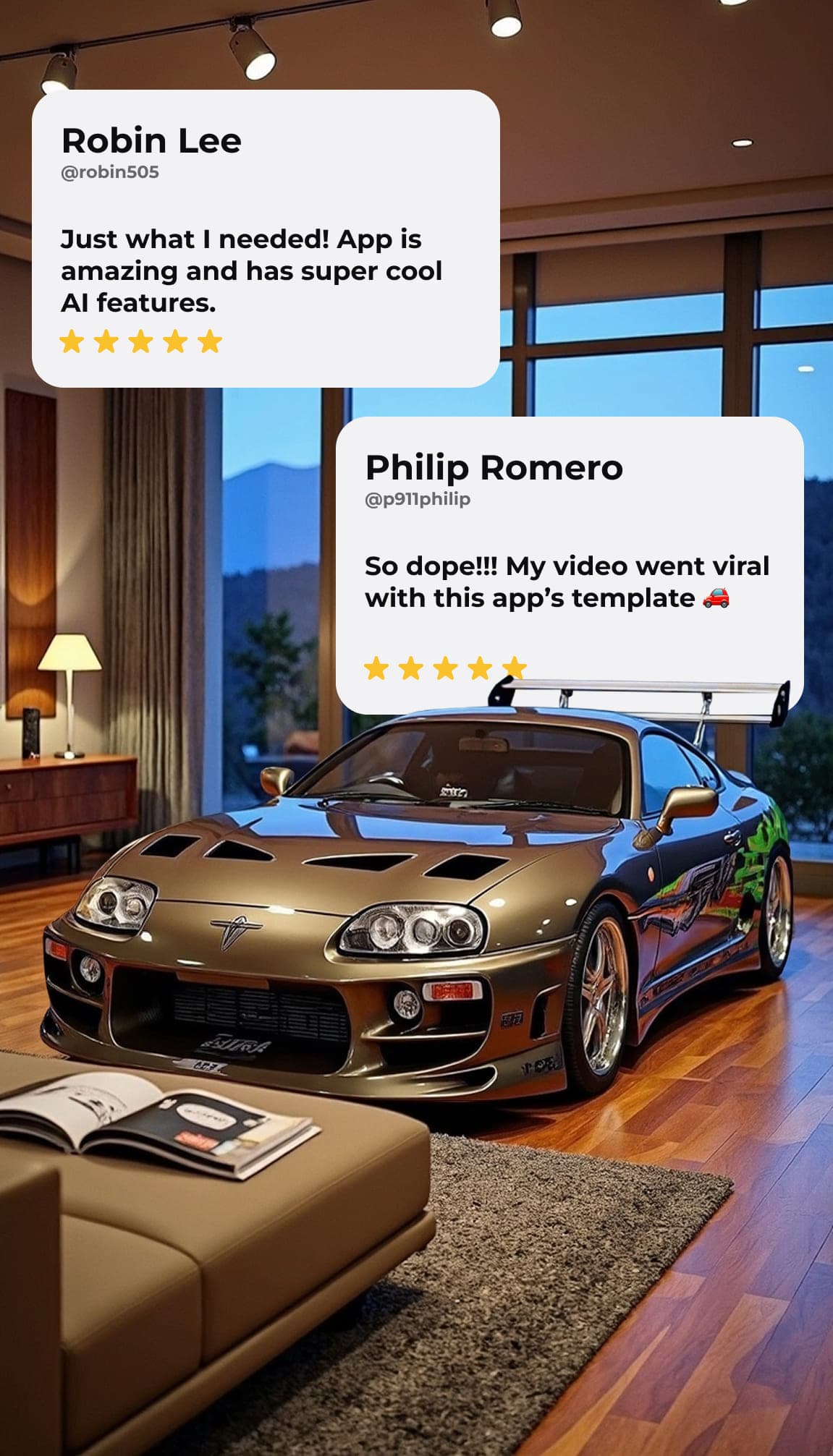
Thousands of automotive creators use Car Editor to produce cinematic reels that get millions of views.
Try it on your car →Start Creating Cinematic Car Reels Today
Download Car Editor and start making cinematic car reels today. The app is available on Android and iOS, with weekly and yearly plans that unlock the full AI toolkit. Combine video editing with AI car modification previews to create content that stands out from every other car account on social media.
Prefer your phone? Get the mobile app
Good to know
Frequently Asked Questions
How does AI car editing work?
Upload any photo of a car, select a mod, and our AI generates a photorealistic edit in seconds. The AI understands car geometry, lighting, reflections, and shadows to produce results that look like real modifications. You can stack multiple edits on the same photo. For example: change the paint, swap the rims, and add a body kit.
What car mods are available?
We offer 12 mod categories: Paint Job, Rim Swap, Body Kits, Custom Wraps, Carbon Fiber, Suspension, Spoilers, Exhaust, Headlights, Front Bumper, Window Tint, and Neon Underglow. That is 198 preset options in total, plus AI Styles like JDM, Cyberpunk, and Muscle.
How much does Car Editor cost?
Car Editor is free to open and browse. Generating AI edits is paid, and the current options and prices are listed on the pricing page. What you see there is what you pay at checkout. Plans can be cancelled anytime. In the iOS and Android apps, prices are shown before you subscribe.
Is Car Editor free to use?
Car Editor is free to open and browse. You can explore every mod in the web editor without an account. Generating AI edits on your own photo is paid. See the pricing page for the current options.
Which platforms is Car Editor available on?
The web editor at car-editor.com/editor/ runs in any modern browser on desktop and mobile. Native apps are also available for iOS and Android.
What image formats and sizes are supported?
We accept JPEG, PNG, and WebP images up to 8 MB. For best results, use a clear, well-lit photo of the car from a standard angle. The AI works best with photos where the full car is visible.
Can I use the edited photos commercially?
Pro Monthly and Pro Yearly include a commercial licence, so you can use your renders for client work, listings, marketing and paid social. Cheaper options are personal use only.
How accurate are the AI results?
The AI preserves your car's original reflections, shadows, panel gaps, and environment. Metallic and pearlescent finishes show realistic flake and light behavior. Results are accurate enough that body shops and wrap installers use them as reference photos.
What car brands does it work with?
The AI works with any car regardless of make, model, or year. BMW, Mercedes, Porsche, Tesla, Ford, Toyota, Lamborghini, Ferrari, Honda, Nissan: any car you can photograph, we can edit.
How is this different from Photoshop?
Unlike manual Photoshop work that takes hours, our AI generates photorealistic edits in seconds. It understands 3D car surfaces, renders paint that follows body curves, preserves realistic reflections, and produces metallic/matte/pearl finishes that look physically accurate. No design skills needed.
Keep exploring