★ 4.7·1K+ ratings · iOS & Android
AI car photo editor
AI Car Photo Editor App
Edit the car in your photo: paint, rims, body kit, wrap and tint in seconds
or open the editor without a photo →
iPhone - Android - Web - 12 mod categories
The brief
AI car photo editor
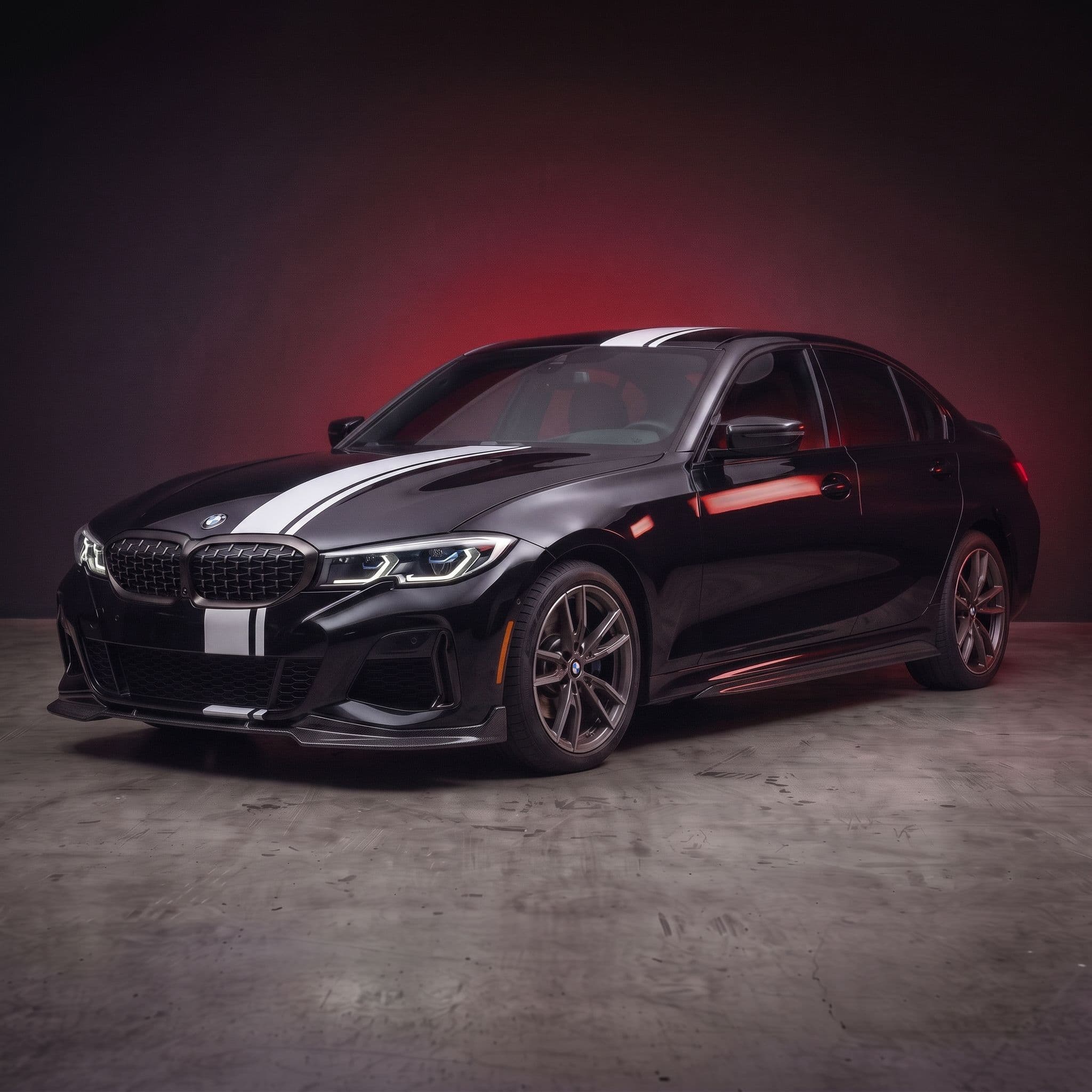
Most photo editors change the picture. Car Editor changes the car. Upload a photo of your car, pick a new paint color, a set of rims, a body kit or a wrap, and the AI renders it onto your car while keeping your lighting, reflections and background exactly as they were.
Use it to plan a build before you spend money, to make content for Instagram and TikTok, or to show a shop exactly what you want. It runs on iPhone, Android and in the browser, and you can stack edits on one photo until the build is done.
The whole point
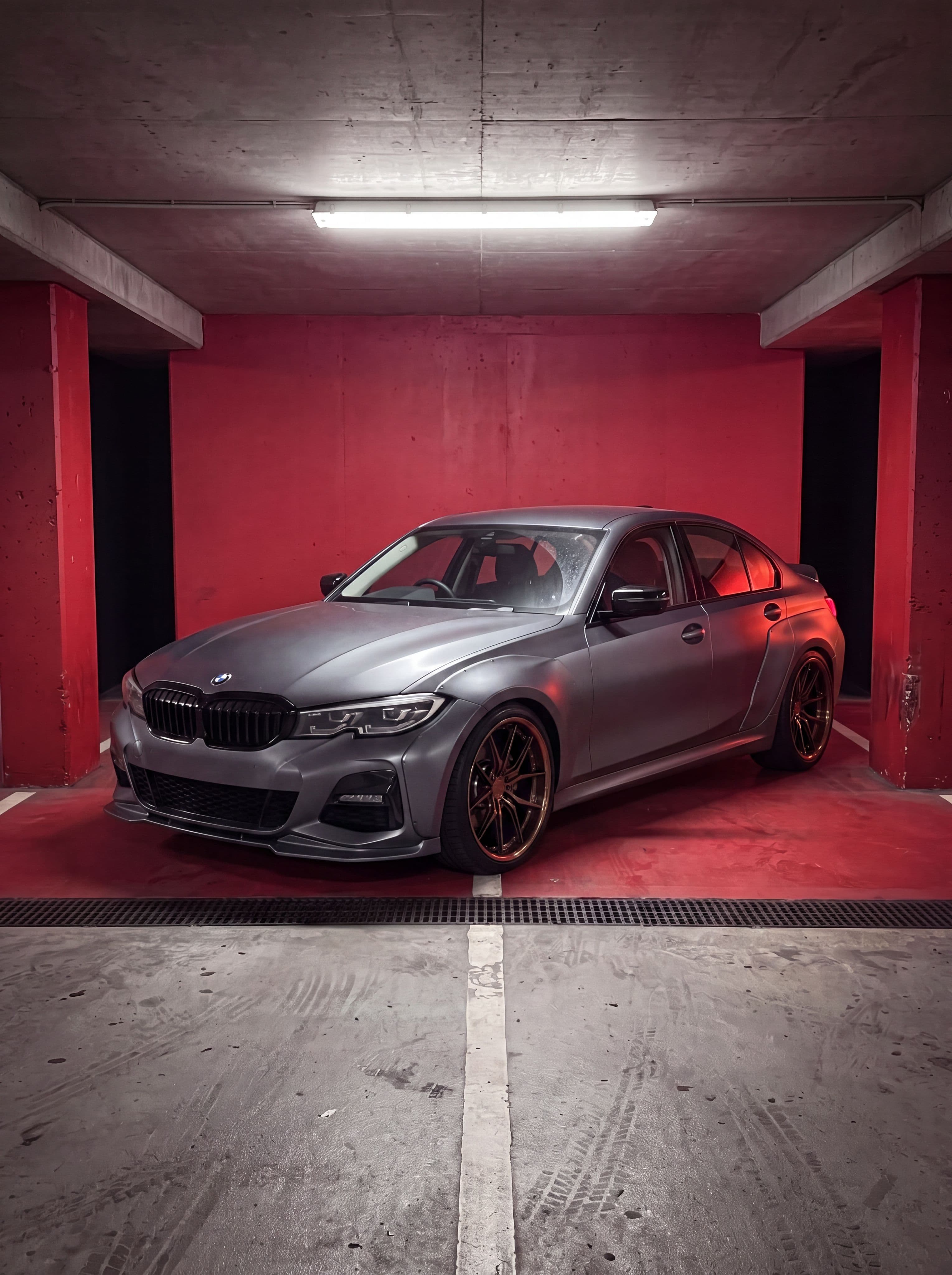
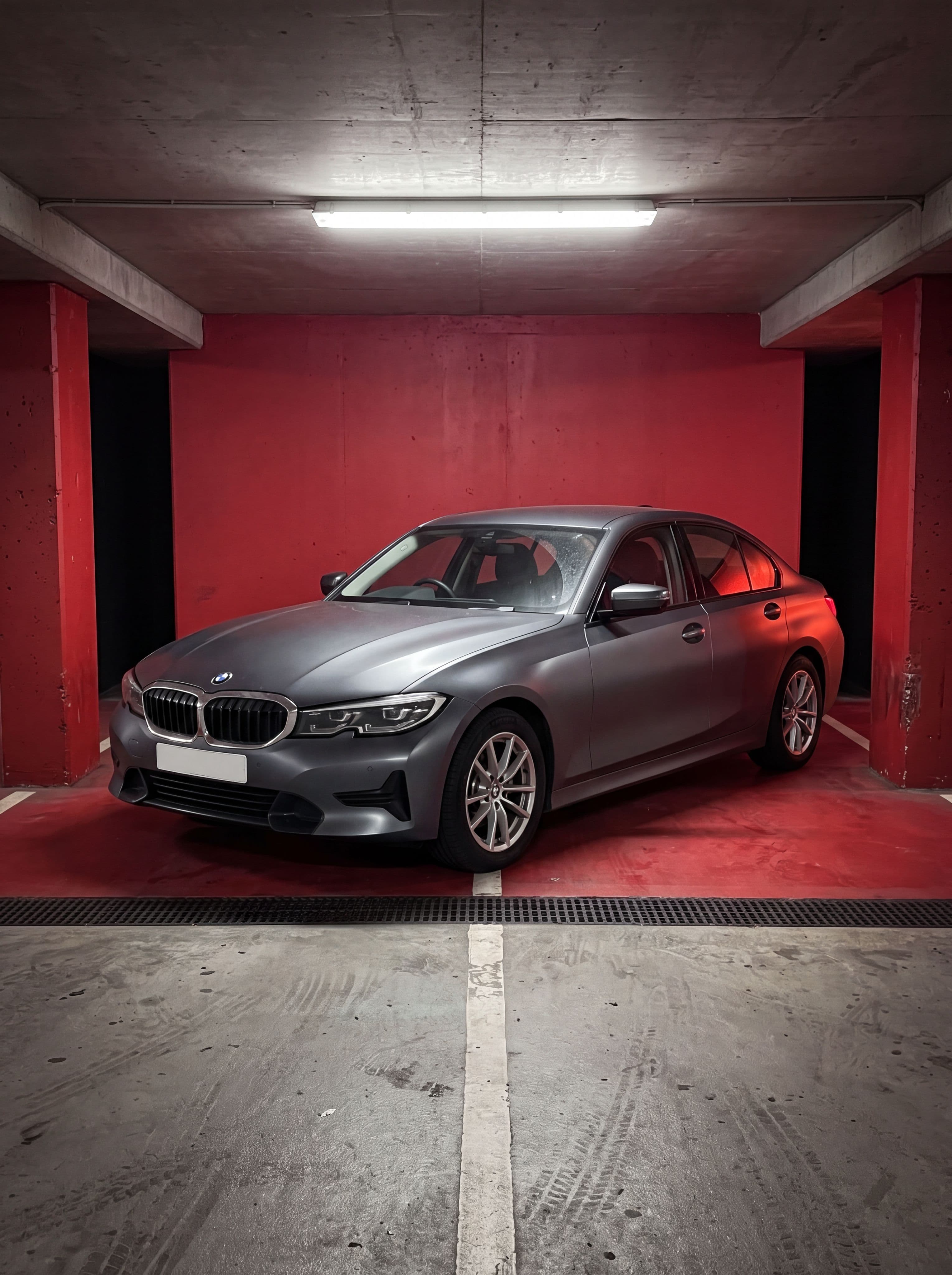
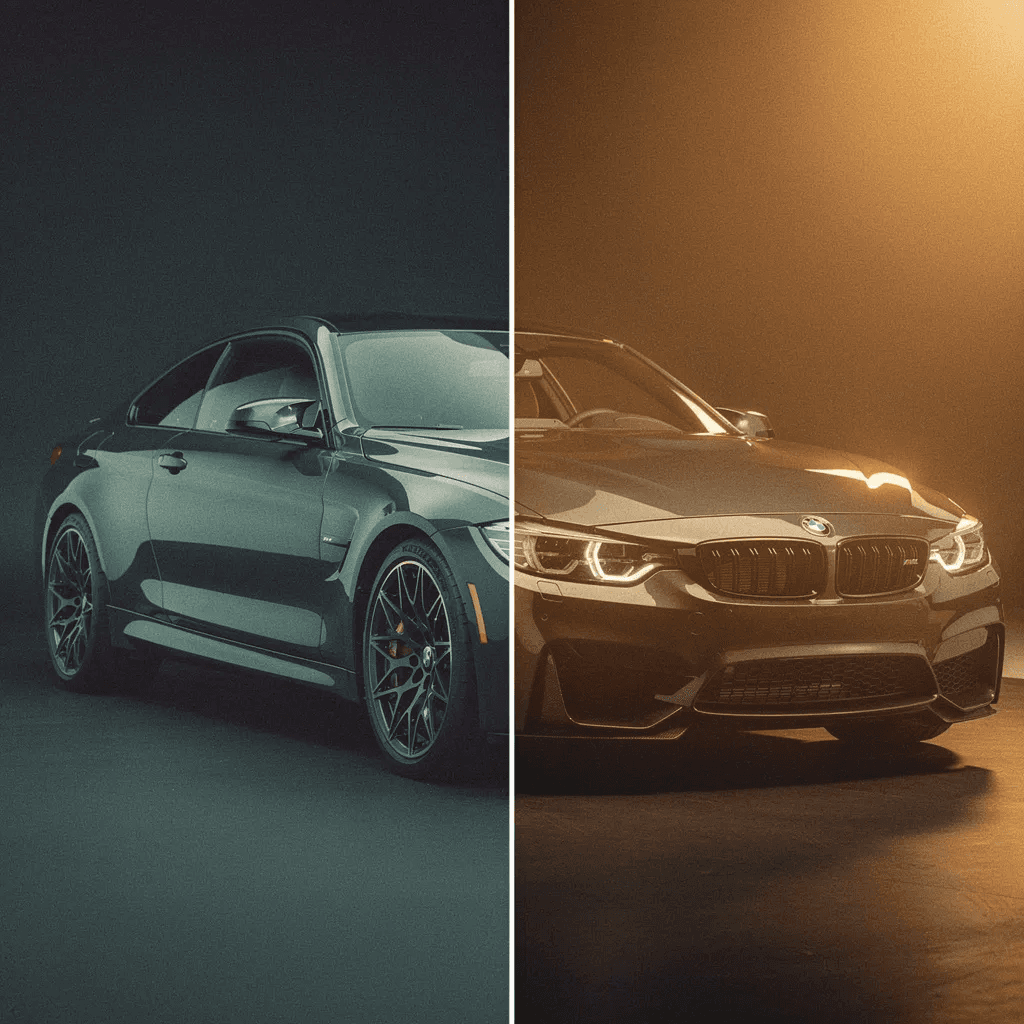
Drag to Compare: Original Photo vs AI Edit
Same photo, same garage, same light. Only the car changed.
Drag to compare. Real AI output, no retouching.
The catalog
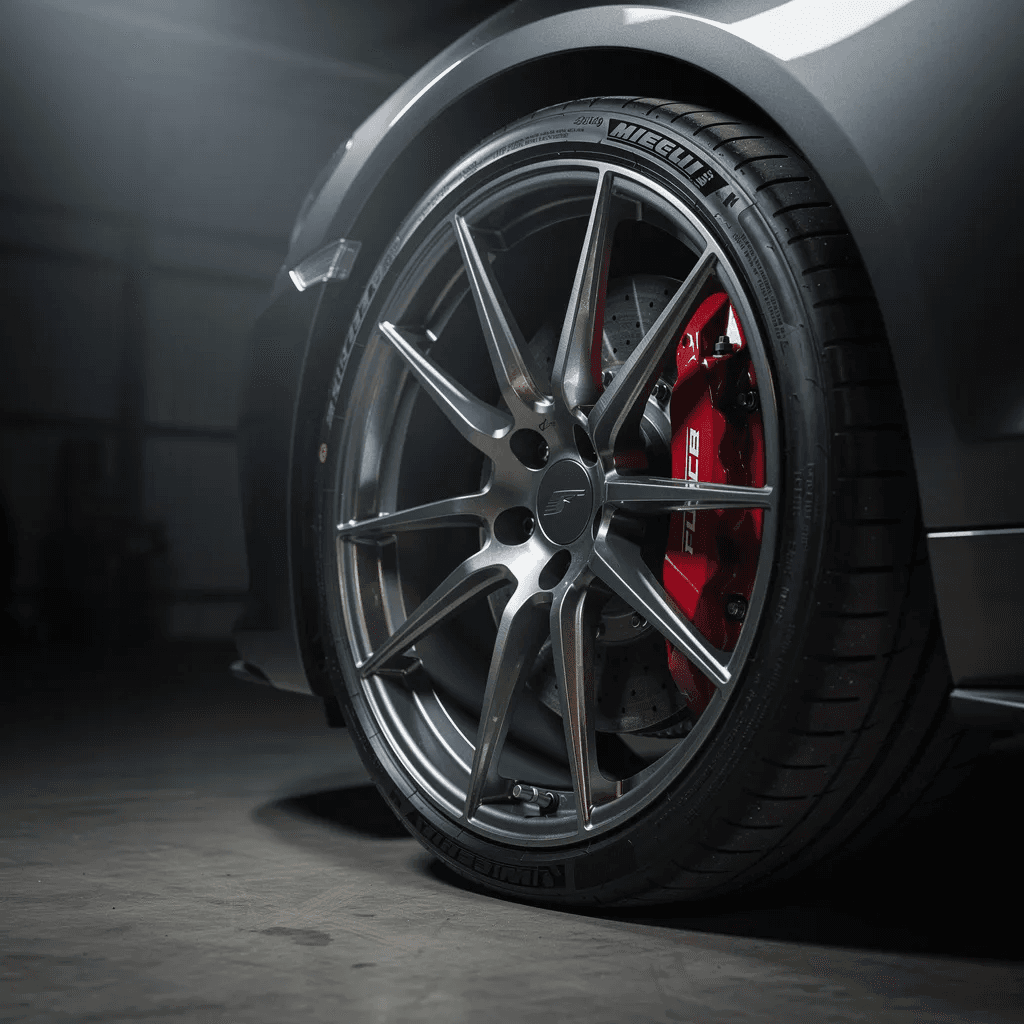
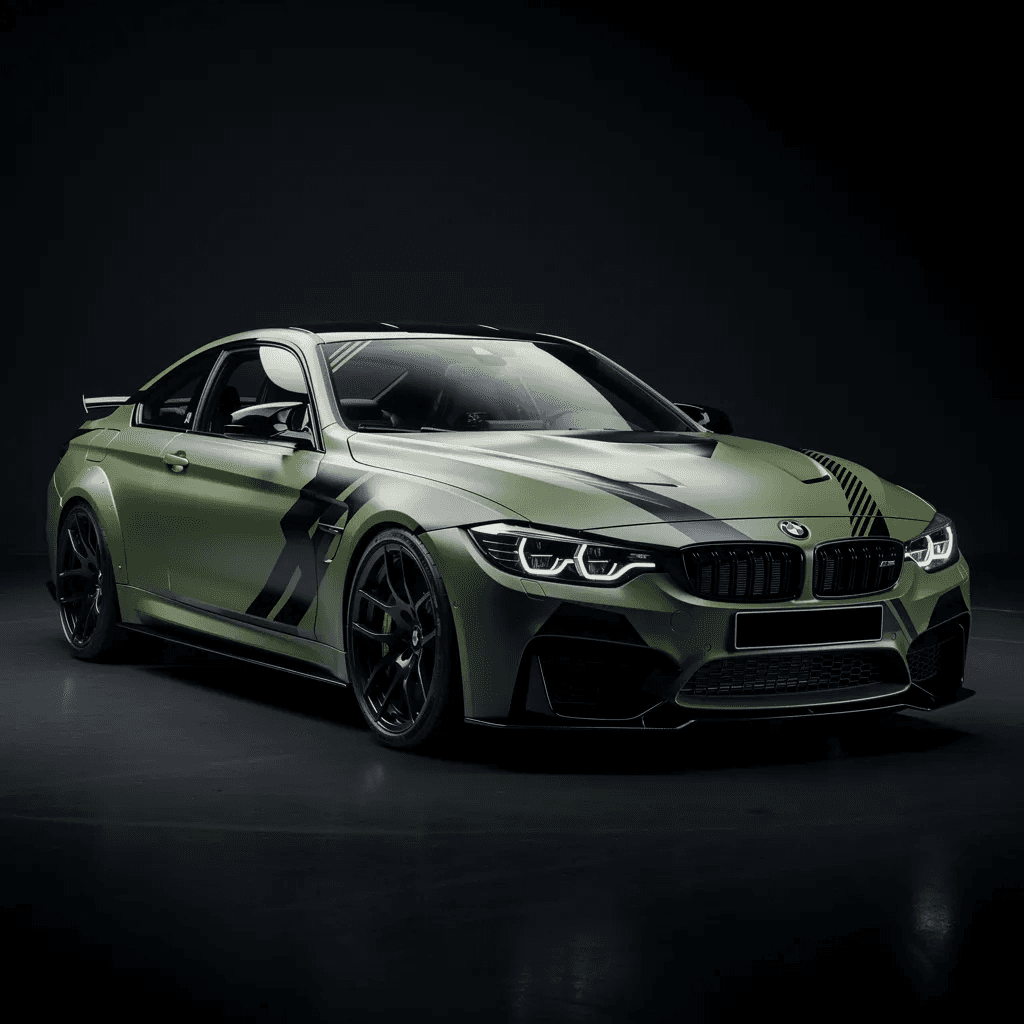
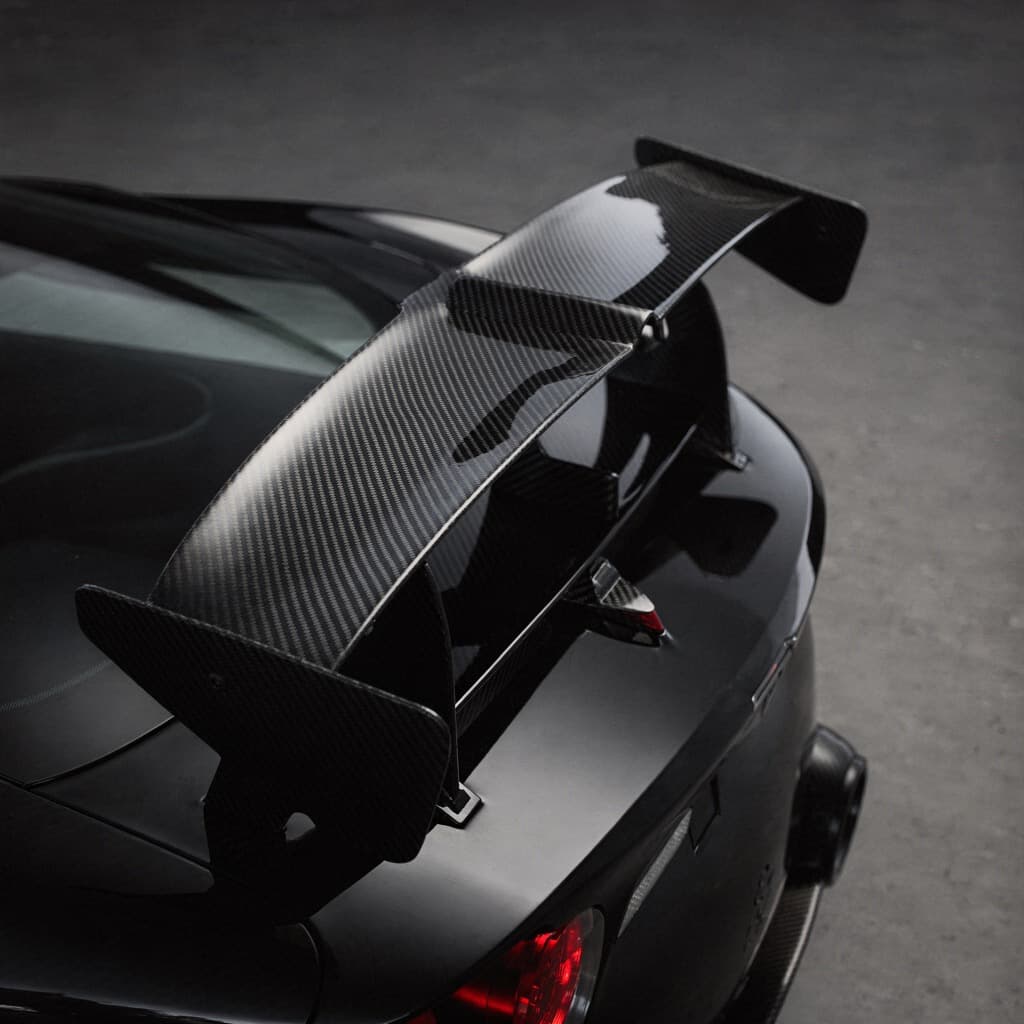
What You Can Edit on Your Car Photo
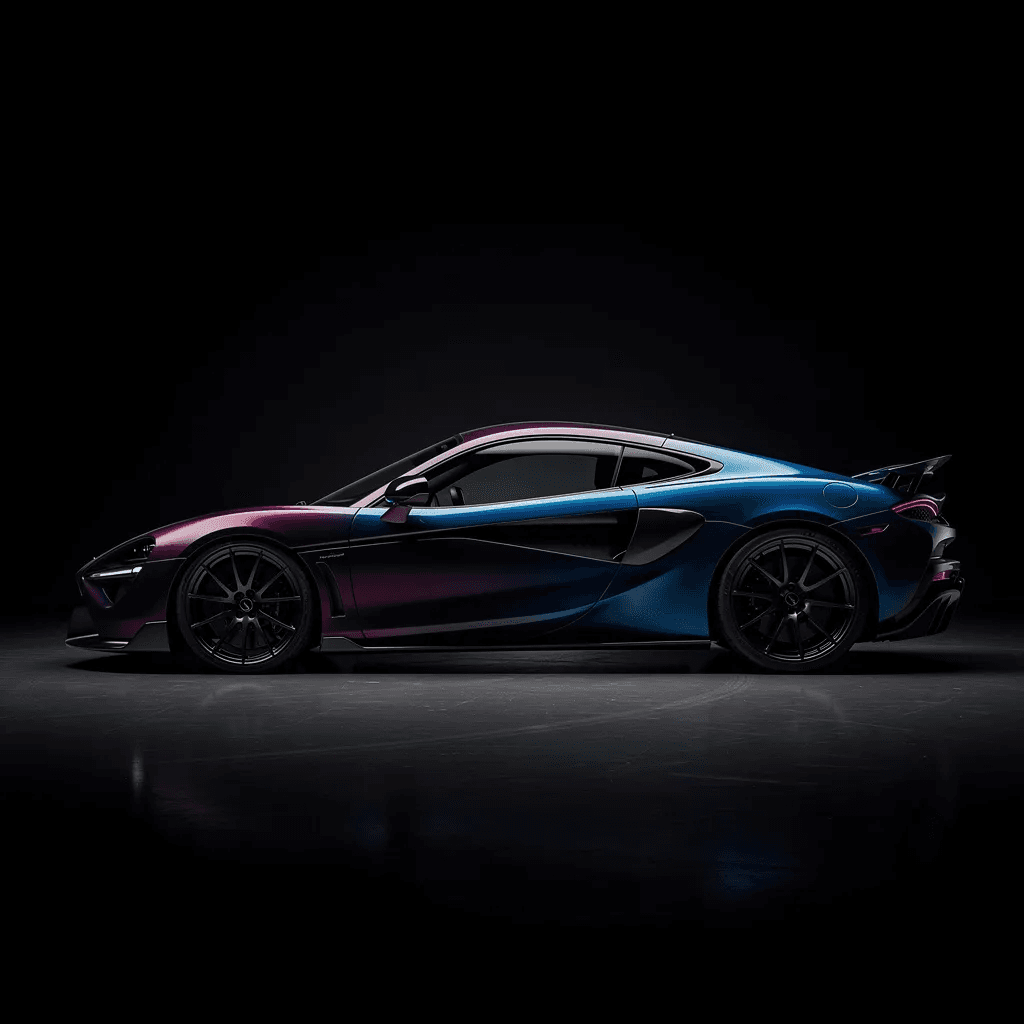
Every edit is rendered onto your own photo. Tap one to open it in the editor.

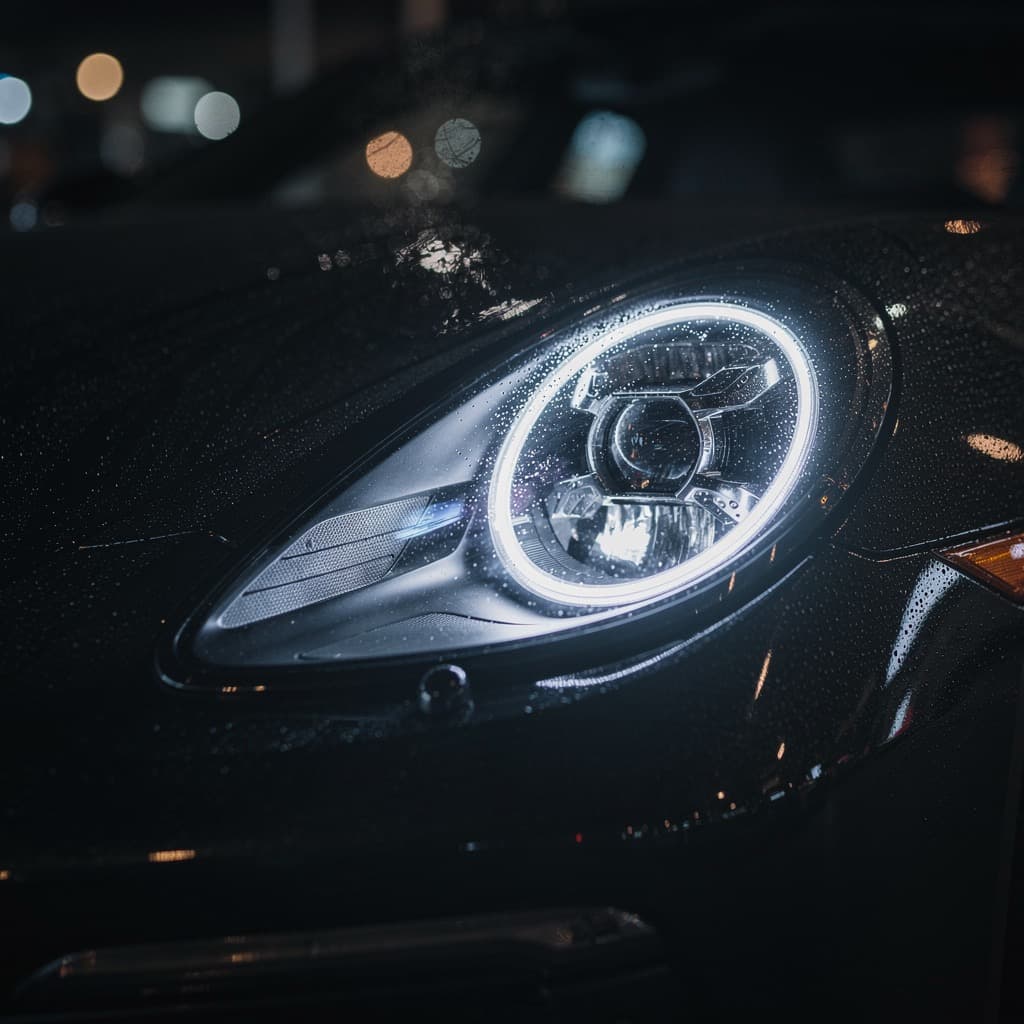
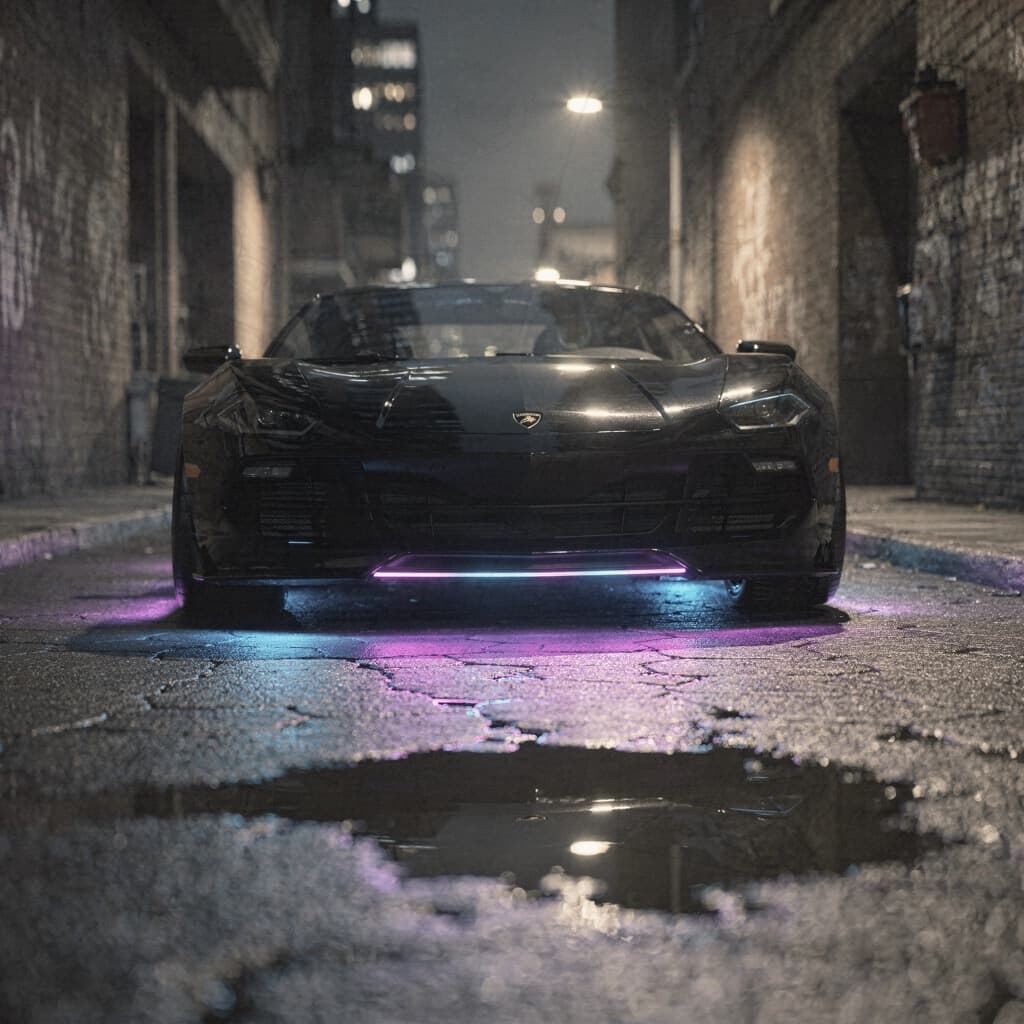
Stop guessing. See it on your car.
Preview every mod on your exact vehicle before you spend a dollar.
How it works
Three steps to a preview.
Upload your car
Take or upload a photo of your car from any angle. Side and three-quarter views work best for realistic results.
Choose a mod
Pick from the catalog. Every option is tuned for photorealistic results on real cars.
Get AI results
Download your photorealistic preview. Compare options side by side before spending real money.
Pricing
Simple plans, no surprises.
Free to open and browse. Pick a plan when you're ready to generate on your own car. Cancel anytime.
Just trying it out
Billed weekly, cancel anytime
30 renders a week
Personal use
- Every edit costs 30 credits, no tiers
- All 198 mods across 12 categories
- 10 full-scene AI styles
- Photoreal HD output
- Every render saved to your account
- Personal use
Cancel anytime · 14-day money-back guarantee if you haven't used your renders
One build, start to finish
Billed monthly, cancel anytime
90 renders a month
Commercial rights included
- Every edit costs 30 credits, no tiers
- All 198 mods across 12 categories
- 10 full-scene AI styles
- Photoreal HD output
- Every render saved to your account
- Commercial usage rights
- Post it, sell it, list it
Cancel anytime · 14-day money-back guarantee if you haven't used your renders
Every car you touch, all year
$79.99 billed yearly$311.88Save 74%
360 renders a year
Commercial rights included
- Every edit costs 30 credits, no tiers
- All 198 mods across 12 categories
- 10 full-scene AI styles
- Photoreal HD output
- Every render saved to your account
- Commercial usage rights
- Post it, sell it, list it
Cancel anytime · 14-day money-back guarantee if you haven't used your renders
Good to know
How to Edit a Car Photo with AI
Take a clear photo of the whole car, ideally from a front three-quarter angle in even light. Upload it to the editor, choose a category such as paint, rims or body kit, and pick a style. The AI renders the change in a few seconds.
Keep going on the same photo to stack edits: paint first, then wheels, then a spoiler or tint. Save each version so you can compare combinations side by side before you decide.
Good to know
Car Editor vs Lightroom and Snapseed
Lightroom Mobile is the best choice for adjusting a car photo: RAW editing, exposure, color grading and precise masks. It is subscription based and has no way to change the car itself.
Snapseed is free and good for quick tuning, healing and selective adjustments. It is simple, but it is a general photo tool with no car-specific features.
Car Editor does the part the other two cannot: it changes the car. New paint, rims, body kits, wraps and tint rendered onto your real photo with AI. For the best result, shoot the photo well, make the car edit in Car Editor, and do the final color grading in Lightroom or Snapseed if you want a specific look.
Try it on your own car.
Upload your photo and see it transformed in about a minute. No installs, right in the browser.
Good to know
Frequently Asked Questions
What is the best car photo editor app?
It depends on the edit. To change the car itself (paint color, wheels, body kit, wrap, tint, spoiler, headlights) Car Editor does it with AI on your own photo in seconds. To adjust the photo (exposure, contrast, color grading of a shoot) Lightroom Mobile and Snapseed are the standard choices. Many car photographers use both.
Can AI edit a photo of my car?
Yes. Upload a photo, pick a modification such as a new paint color or a set of rims, and Car Editor renders it onto your car while keeping the original reflections, shadows, body lines and background.
Does it work on iPhone and Android?
Yes. Car Editor has native apps for iPhone, iPad and Android, and the same editor runs in any browser at car-editor.com/editor/.
What can I change on my car photo?
Paint and color, rims, suspension height, body kits, wraps, carbon fiber parts, window tint, neon underglow, spoilers, exhaust tips, headlights and front bumpers. You can stack several edits on the same photo to plan a full build.
Is it free?
You can open the editor and upload a photo for free. Generating AI edits is paid, either as a small one-time pack on the web or a subscription in the app. Current prices are shown before you pay.
Will it change the background or the lighting of my photo?
No. The edit is limited to the car. Your background, lighting and camera angle stay as they were, which is why the result looks like a real photo of your car rather than a render.
Keep exploring